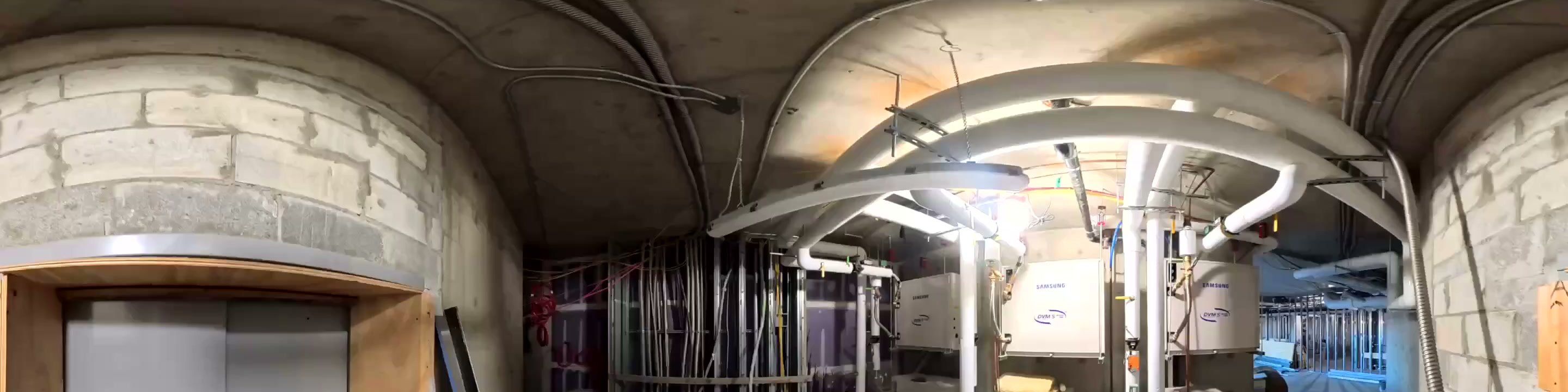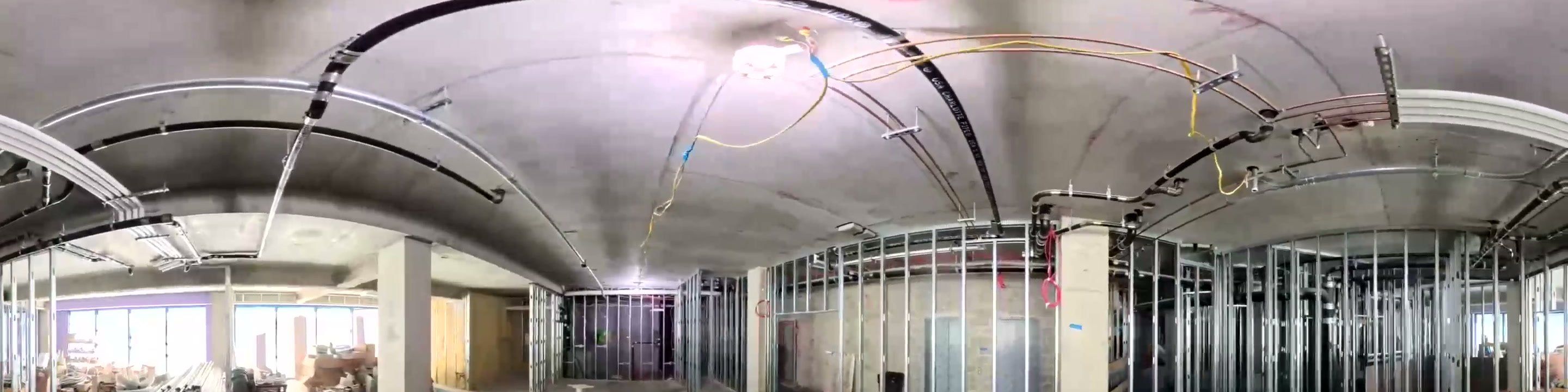
360 site walks
We record your floor with a 360 camera, once or on a schedule.
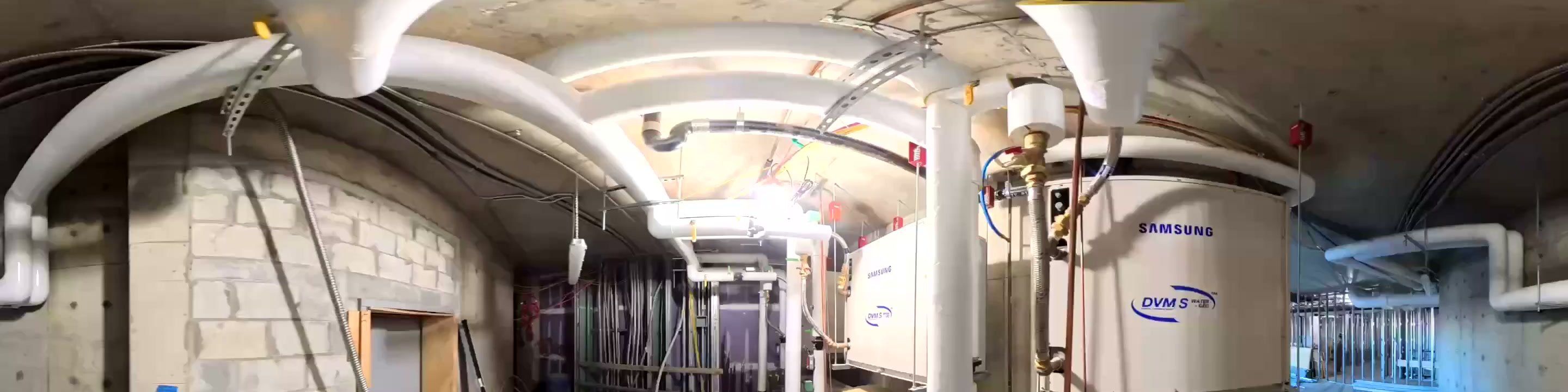
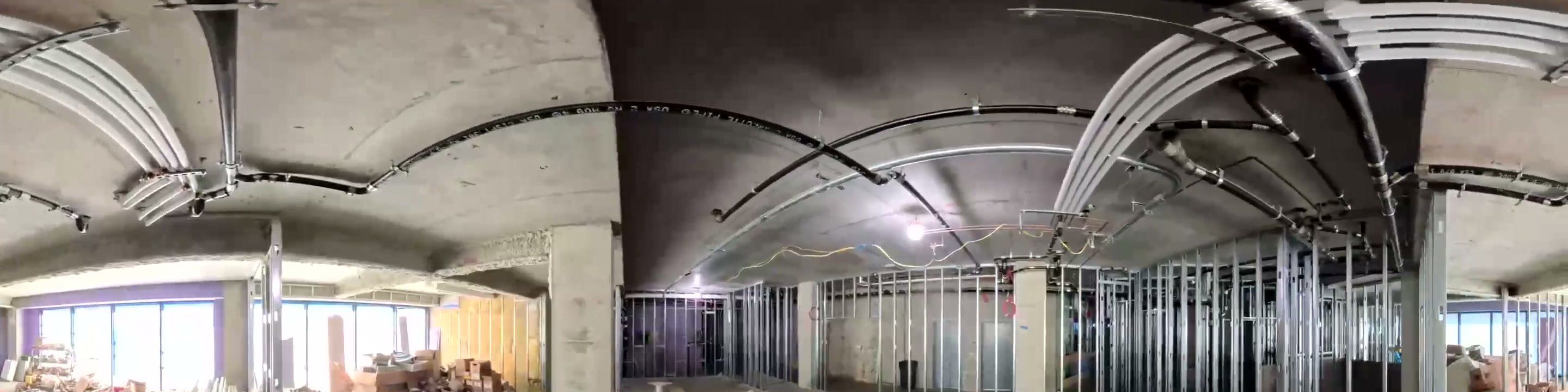
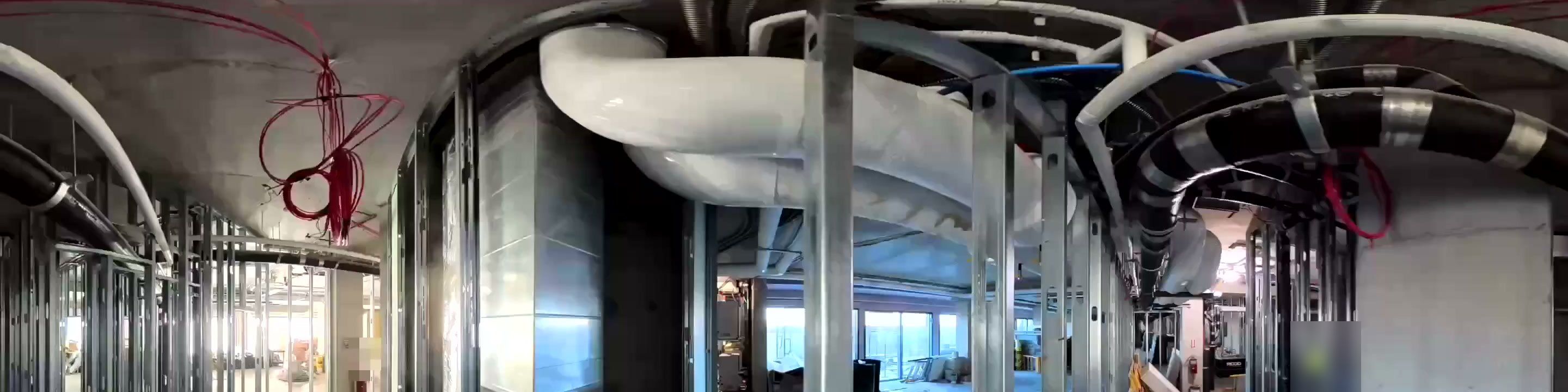
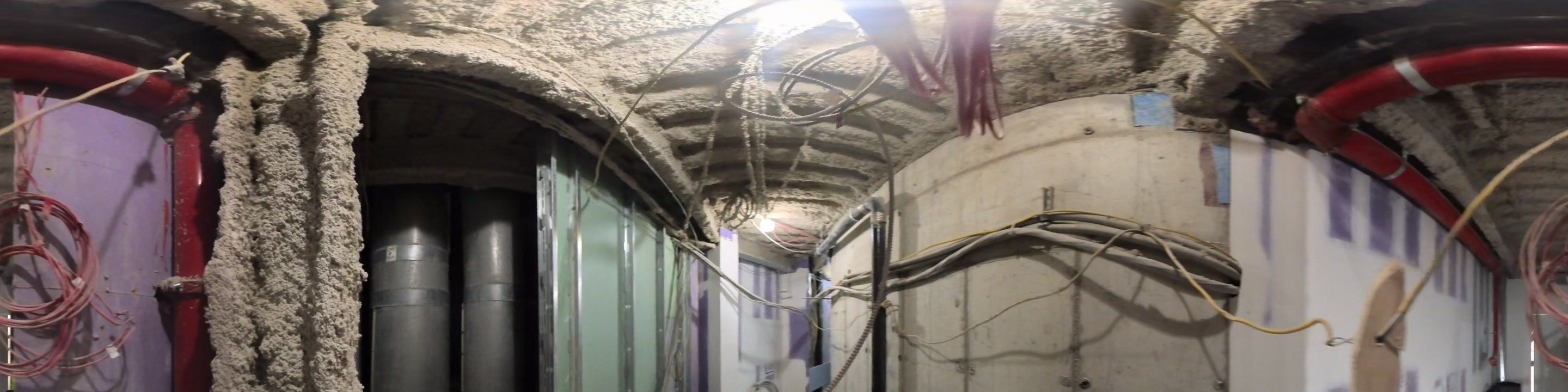
We walk your site with a 360 camera and put the walk on your floor plan. Look in any direction, at any spot we walked.
360 captureEvery direction, every step
On your floor planJump to the spot you need
Faces blurredBefore a walk is delivered
New York teamWe walk the site for you
From our camera
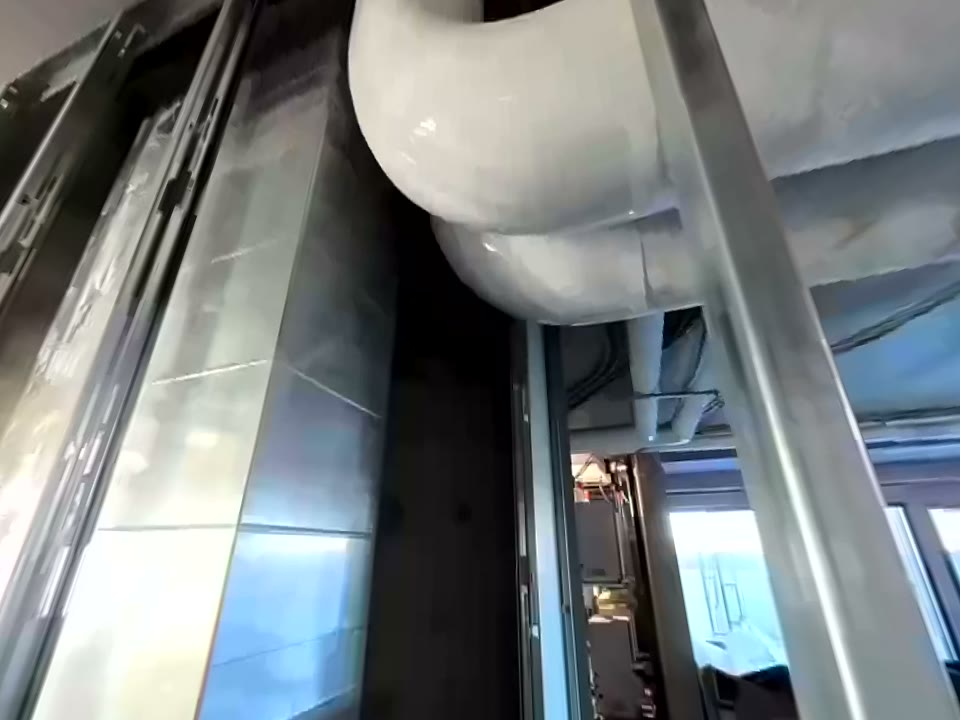
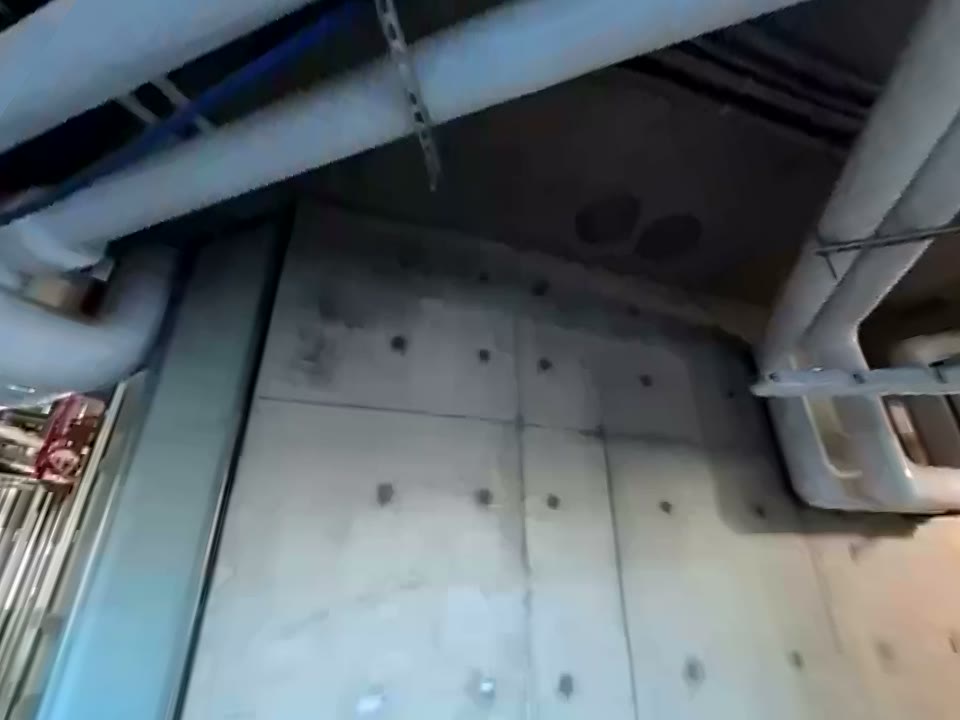
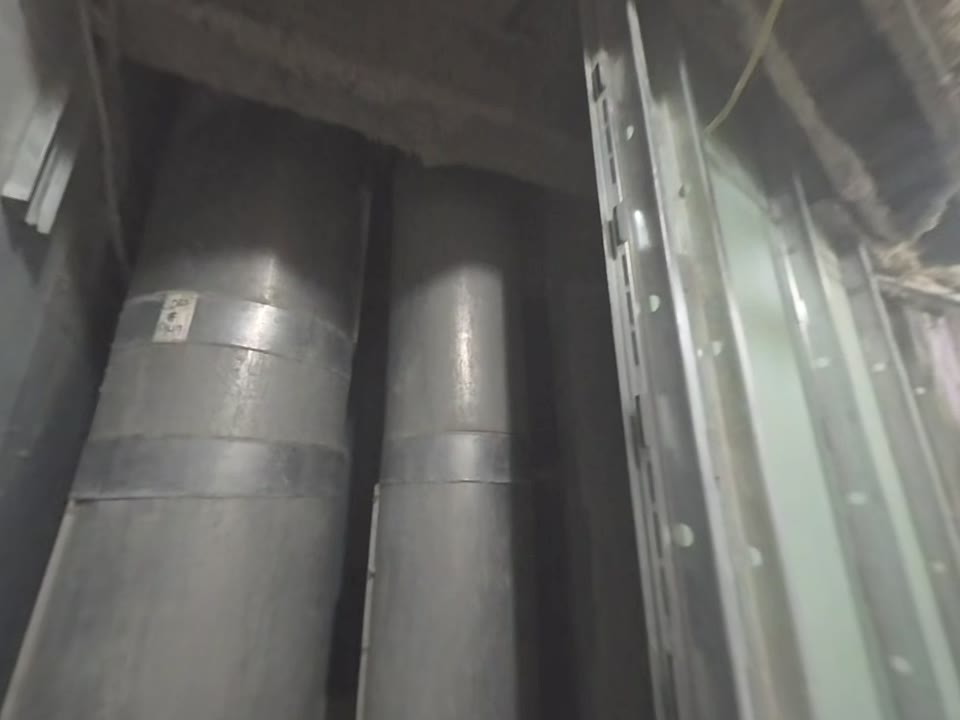
One walk records the ceiling, the framing and the work in between. Open it in the office and show everyone the same thing.
Features
We record your floor with a 360 camera, once or on a schedule.
Tap the floor plan and the picture goes to that area.
Stop the video, draw on the picture and write what is wrong.
Export your list with a PDF report to send to the trade.
Every walk carries its date, so you can show what was there.
Keep a record of open framing and overhead work for turnover.
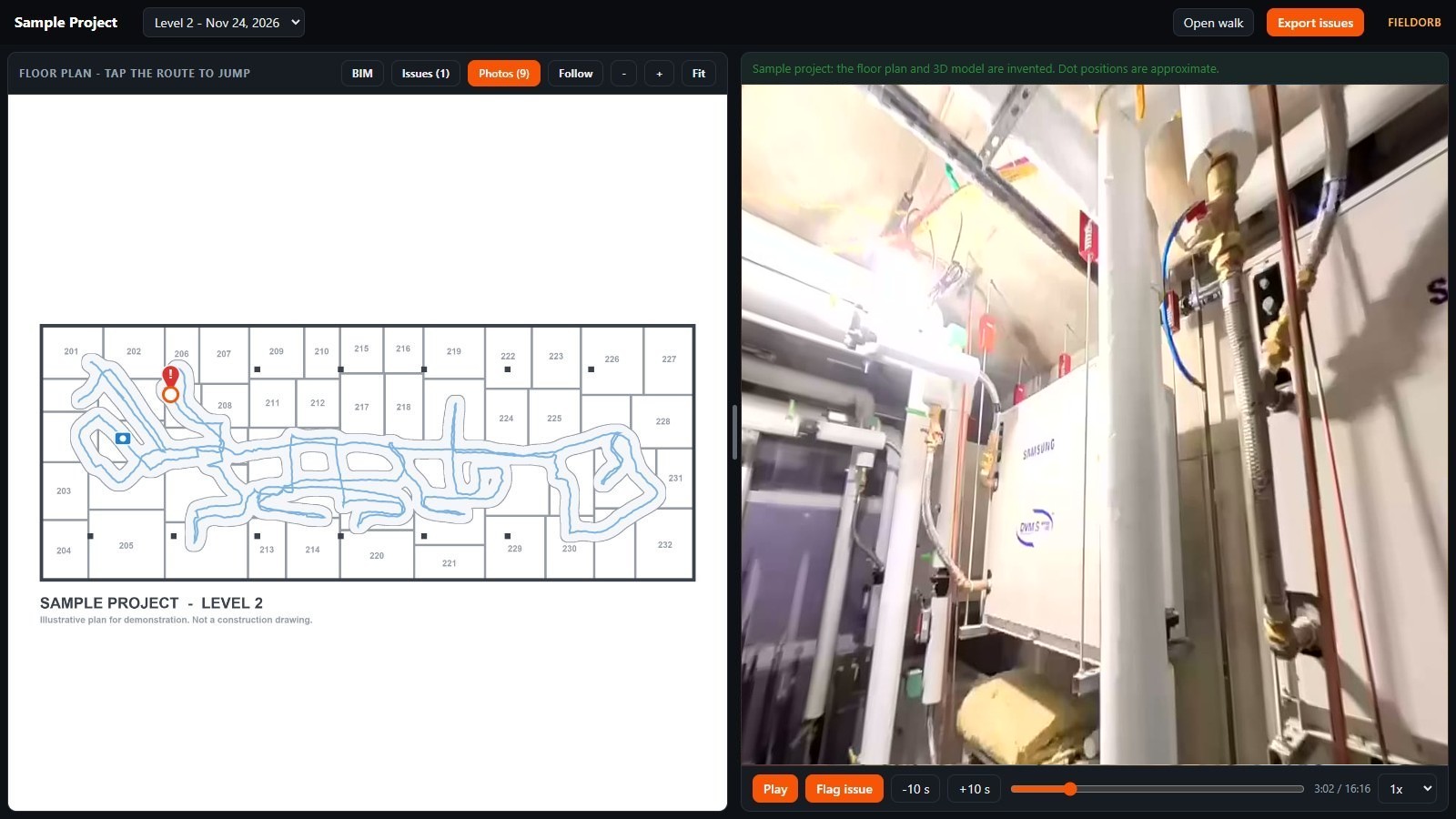
The dot walks the plan and the 360 view follows. Tap an orange spot, drag the picture to look around, then flag what you see.
Sample plan for illustration.
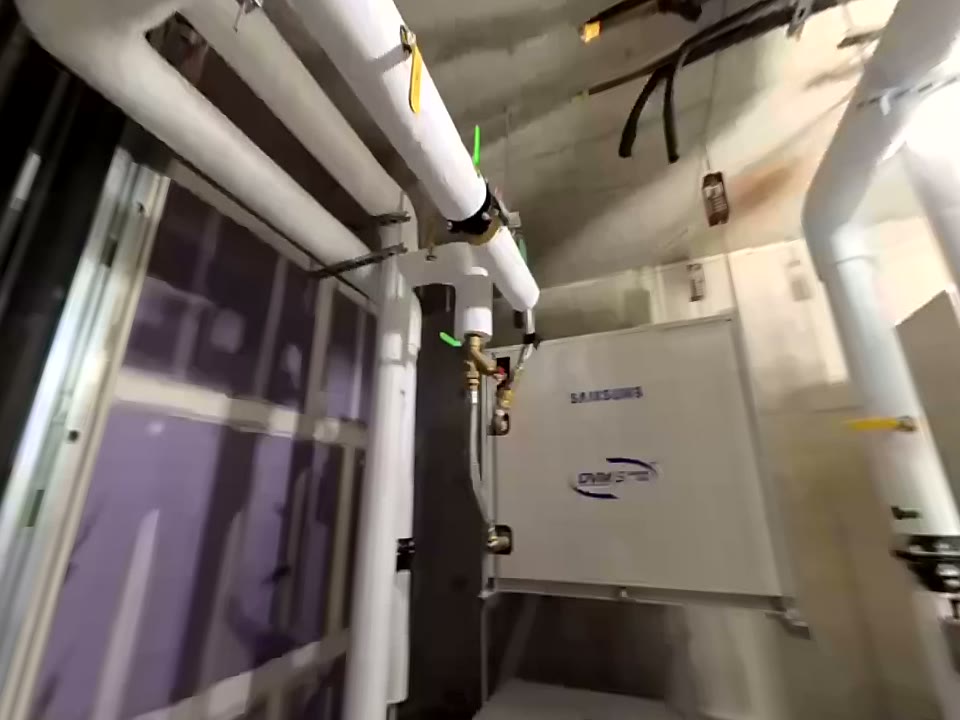 Drag to look around
Spot 1 of 6
The dot on the plan shows where the camera was. When you share your model, it sits beside the video so you can look at both from the same spot.
You do not need a camera or a trained person on your side. We bring both.
Our team walks your floor with a 360 camera, once or on a schedule.
The video is tied to your floor plan. Faces are blurred and the walk is checked.
You get one walk file and open it in the FieldOrb viewer on a Windows computer.
Flag issues, export them and send them back, or pass the report to the trade.
Why FieldOrb
No one on your team has to learn a camera or find the time.
The camera and the viewer come with the service.
Our company also models and draws MEP work, so we know what to look for.
Faces are blurred and each walk is checked before you get it.
Ways to start
Try it on your own project first.
Follow the job from start to finish.
Capture what will soon be hidden.
FieldOrb is a 360 camera site walk service in New York, by Pipe Dream Solutions. Our team walks your construction floor with a 360 camera and ties the video to your floor plan, so you can look around any spot from a computer.
A 360 camera that records in every direction while our team walks the floor. You do not have to buy one.
It is approximate. It gets you to the right area so you can look around. Do not scale dimensions from it.
No. The walk is for seeing and recording. Ask us if you need dimensions taken on site.
The floor plan, access to the floor and a time to walk it. A model is optional.
A Windows computer and the walk file we send you.
Faces are blurred before a walk is delivered. Tell us about any area that should not be recorded.
Tell us about the job and we will get back to you with a quote.
(347) 223-6869